JBL CPi2000 processor automation cues

Collapse
X
 
  • Time
  • Show
Clear All
new posts
  • Miguel Moreno
    Film Handler
    • Jan 2020
    • 67
    • Culiacan, Sinaloa, Mexico

    #1

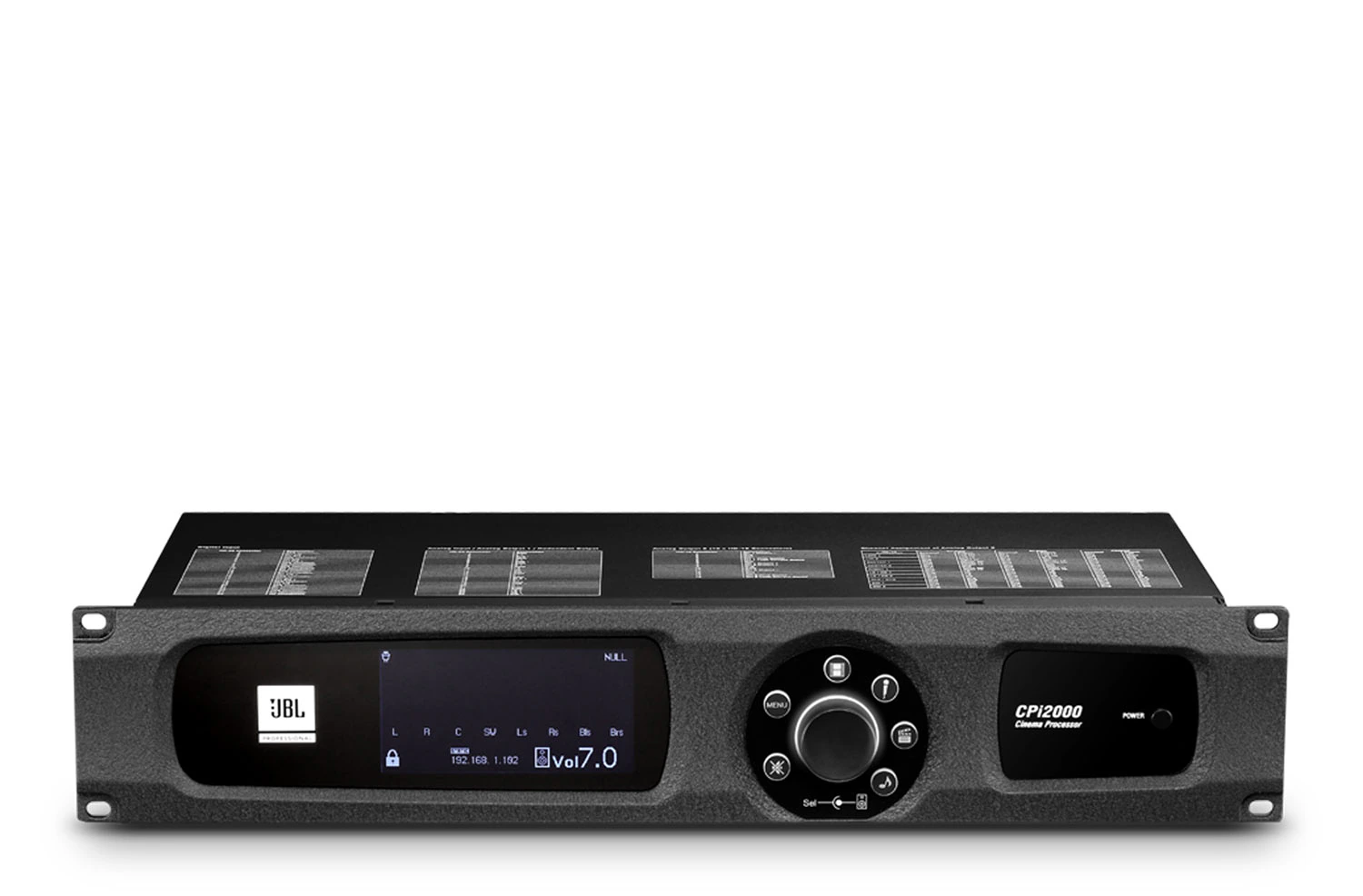
    JBL CPi2000 processor automation cues

    Hi everyone. Hope you have a great day.

    i hope somebody cal help me on this. I would like to install a JBL CPi2000 cinema audio processor but i cant find how does it work with an imb. I mean how can i send cues to control channel digital or nonsyc. The user guide didnt say anithing about it.
    did you hace any clue?

    Thanks
  • John Thomas
    Pro Film Handler
    • Jan 2020
    • 120
    • Los Angeles, CA

    #2
    The product page on jblpro has a download for the software and automation commands:

    Cinema Processor CPi2000 is a professional-grade processor developed by JBL to provide audio enh...


    TMS\SMS system (as client)connect to CPi2000 (as server, port: 19272) via TCP socket, then send the following string commands to set up CPi2000.

    1. Set Input Source (0-3) command
    command: setsrc <value>
    0: "Digital Cinema"
    1: "MIC"
    2: "Analog Cinema"
    3: "Music"
    example: setsrc 1
    return: setr "InputSource" "MIC"
    ​​

    Comment

    • Miguel Moreno
      Film Handler
      • Jan 2020
      • 67
      • Culiacan, Sinaloa, Mexico

      #3
      I am not so sure how to create the TCP socket.

      Comment

      • Carsten Kurz
        Film God
        • Jan 2020
        • 1481
        • Germany

        #4
        What IMB/IMS or TMS are you using?

        Comment

        • Miguel Moreno
          Film Handler
          • Jan 2020
          • 67
          • Culiacan, Sinaloa, Mexico

          #5
          Right now i have it with a cristie imb s2 but i can move it to a sr1000 or ims3000 or also sx3000

          Comment

          • Carsten Kurz
            Film God
            • Jan 2020
            • 1481
            • Germany

            #6
            The way to setup TCP/UDP cues is different for every server type, as it is based on the individual GUI options. The method as such, though, is similar between different servers. You configure TCP address, port, and input commands and escape characters.

            Comment

            • Miguel Moreno
              Film Handler
              • Jan 2020
              • 67
              • Culiacan, Sinaloa, Mexico

              #7
              Hi friends.
              I made the processor signals work on the GDC servers. the networksocket option is there.

              Comment

              • Shibu Paul
                Film Handler
                • Jan 2020
                • 82
                • India

                #8
                Dear Miguel Moreno,
                I am reaching out to request your assistance with configuring a GDC SR1000 with a JBL CPi2000 processor . I understand that you may have expertise in this area, and I would greatly appreciate any guidance or configuration details you can provide. Specifically, I am looking for information on how to set up the GDC SR1000 and JBL CPi2000 to work together effectively. This includes details connections, network configuration, and any control protocols that need to be implemented.

                Best Regards
                ShibuPaul
                Attached Files

                Comment

                Working...