Checking Sync

Collapse
X
 
  • Time
  • Show
Clear All
new posts
  • Benjamin Hörbe
    Newbie
    • Jul 2024
    • 7
    • Berlin

    #16
    Originally posted by Harold Hallikainen
    The USL/QSC LSS-200 would also do A/V sync check. On phone applications, it seems that there should be a user calibration setting where you clap your hands (or get a film clapper board) in front of the camera and set that to zero (or about 1 ms/foot ). You would not care about sync issues in the phone itself.
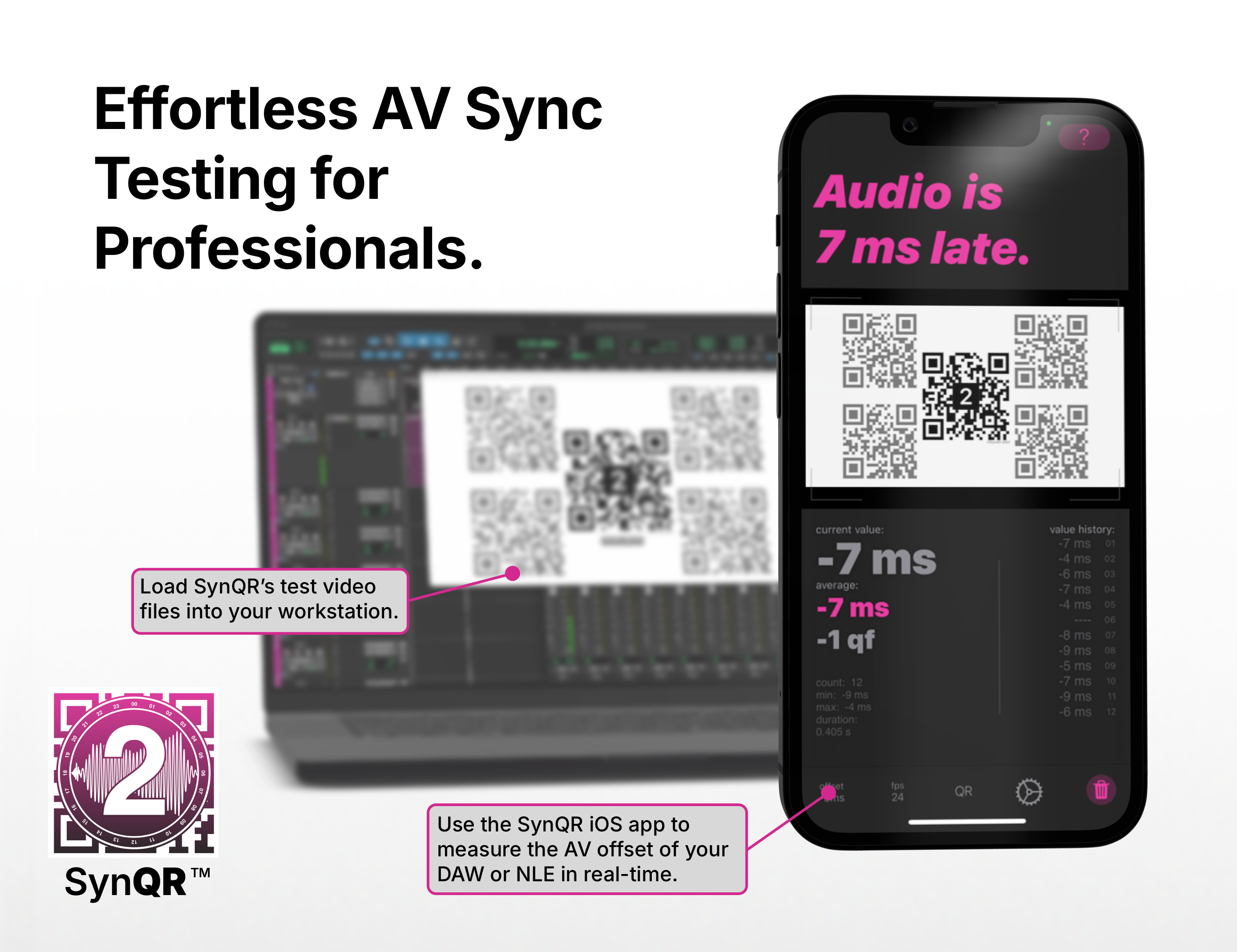
    SynQR has a routine that helps the user to calibrate their device to avoid sync issues in the phone.

    Comment

    • Benjamin Hörbe
      Newbie
      • Jul 2024
      • 7
      • Berlin

      #17
      SynQR works pretty much like the hardware devices. Just point your iPhones camera to the screen and get offset readings in real-time. They have a free trial, so you can conveniently test it in your venue.
      SynQR is an app designed to help identify and resolve audio/video synchronization issues in AV environments, including DAWs and video editing software.

      Comment

      • Benjamin Hörbe
        Newbie
        • Jul 2024
        • 7
        • Berlin

        #18
        Originally posted by Ryan Gallagher
        "Catchn' Sync" is also a popular app based one.

        iOS Catchn' Sync
        Download Catchin' Sync by Quiet Art Ltd. on the App Store. See screenshots, ratings and reviews, user tips, and more apps like Catchin' Sync.


        But all phone based solutions are a bit cumbersome because the developer has to account for the in phone delays (and it's different for every model), and delays changing between OS versions, so besides telling it your model, they usually encourage an initial calibration routine you do with a zero delay source, such as a clap/clapper etc. But any adjustment is a one time setting. SynQR may not and just rely on it's device database.

        SynQR seems a bit more polished, but claims "in app purchases", so maybe not free. Neither is the full version of Catchn'Sync. SynQR seems to want a custom piece of content played with the QR codes. The advantage of CatchnSync's method, though less polished, is you can do it with any old test or framing DCP that has a sync reference (as most Disney framing charts do etc). SynQR also doesn't support some older devices (like the 6th gen iPad I just tried to install it on).
        Basically both apps are commercial. To use their full functionality you have to purchase them. SynQR is a bit more pricey than Catchin’ Sync, but also way more convenient. You get your measurement values in realtime, just like with a Sync-One 2
        You can use SynQR with standard standard 2-pops, but also with SynQR’s custom test videos. A test DCP is available from the website.
        Please choose the appropriate video format and codec for your project. If you require a different format or frame rate, feel free to send me an email, and I'll be happy to provide it. The test files have been updated in April 2024. If you are looking for the previous versions follow this link. If

        Comment

        Working...