Do home-brew DCP images still look slightly worse than their source BluRays?

Collapse
X
 
  • Time
  • Show
Clear All
new posts
  • Mike Blakesley
    Film God
    • Jan 2020
    • 2021
    • Forsyth MT

    #1

    Do home-brew DCP images still look slightly worse than their source BluRays?

    I was reading through old reviews on the "archive" and in the "Star Trek IV: The Voyage Home" thread, a discussion started about making DCPs from Blu-Rays. Of course this was before things like DCP-O-Matic and MakeMKV became widespread.

    Bobby Henderson said this:

    A 1080p/24 video encode in AVC or VC1 format on Blu-ray is already severely data compressed. Even a movie on Blu-ray like Saving Private Ryan which has the movie using an entire 50GB disc is very compressed compared to the size of the original master. Add to this all the inter-frame compression techniques used to get file sizes lower in AVC/VC1 encodes.

    A JPEG2000 DCP is essentially no more than a huge number of JPEG compressed still image frame grabs. It's a good format when an uncompressed or lossless compressed master is used as the source. If a Blu-ray encode is used the end result will be an image that has gone through two levels of lossy compression instead of one. Any efficiency or eye-tricking stunts inter-frame compression in the Blu-ray encode used would be lost in the DCP.

    In short, a Blu-ray of Star Trek IV: The Voyage Home is going to look better than a DCP derived from it. There's going to be some sort of generational loss due to the double level of data compression happening.​
    Joe Redifer said that while there IS a slight degrade in the image, he doubted if anyone could tell the difference, even side-by-side, so maybe it's a moot point. The writers in the old thread don't mention what software they were using to make DCPs back then. But I'm curious, has DCP-O-Matic and things like MakeMKV gotten around the issues with image quality?

    Here is a link to the old discussion. The DCP part starts a few posts in.

    https://www.film-tech.com/cgi-bin/ub...001990/p1.html

    Completely unrelated: I'm also struck by the number of people in the old forum who are no longer posting. It'd be interesting to know what became of everyone.

    Also I'm stunned by the sheer number of movies, even ones that I reviewed, that I have absolutely zero memory of today. Although it shouldn't be surprising....I can look at last year's movies and find some that I don't remember a thing about.
    Last edited by Mike Blakesley; 03-14-2026, 08:02 PM.
  • Ioannis Syrogiannis
    Pro Film Handler
    • Jan 2020
    • 286
    • Reykjavík, Iceland

    #2
    MakeMKV doesn't re-encode anything. That far into the BluRay->DCP procedure, there is no loss.
    JPEG2000 and JPEG are not the same at all. A great difference in how the compression works.
    A 2K DCP that is less than 100Mbps is practically visually lossless, when the first material is a BluRay.
    If you want to read something about the efficiency of the JPEG2000 compression, you are welcome to have a look here: https://dicipro.blogspot.com/2025/01...n-digital.html
    Supplementary to that, what I write here (https://www.linkedin.com/pulse/jpeg2...giannis-xpcre/) in regards to the quotation of Kommer Kleijn SBC, MBKS, FSMPTE.

    Long story short, if you avoid mistakes, no one will be able to tell a difference between the source disc and the DCP.

    Comment

    • Marco Giustini
      Film God
      • Jan 2020
      • 1169
      • Reading, UK

      #3
      Unless I am missing something, I have to disagree with Ioannis.

      Making a DCP means compressing to JPEG2000. So yes, you're basically making "a photocopy of a photocopy" to use an example.

      MakeMKV will make a 1:1 video using THE SAME STREAM used by the Blu Ray. So yes, there is no loss there. But when you make a DCP, the compressions algorithm changes unfortunately so the video needs to be re-compressed with JPEG2000.

      There is no way around it as DCI servers won't play an MP4/MKV and there is no "going around" it.

      Now, whether you CAN SEE the difference between the original Blu Ray video and a 200Mbit/s re-compressed JPEG2000 video, that is another story. But we cannot say "there is no loss".

      Comment

      • Marcel Birgelen
        Film God
        • Jan 2020
        • 3619
        • Maastricht, NL

        #4
        Marco is right. There IS loss.

        While MakeMKV doesn't re-encode anything, DCP-o-Matic DOES re-encode the MPEG-2, H.264 (AVC), or H.265 (HEVC)​ stream into M-JPEG2000, which is a fundamentally different format and this conversion IS lossy. MakeMKV strips the data stream from the BluRay and removes the encryption, it doesn't touch the stream itself.

        MPEG in all its variations, is a format that compresses the motion between frames, that's the fundamental difference with M-JPEG2000 (Motion JPEG): It compresses every frame individually, using JPEG2000, which is also different from the JPEG you're used from on the web.

        Now, whether or not you see this conversion depends a lot on the quality of the conversion. I doubt that many people will notice this in a blind a/b test, if all settings are within reasonable domains.

        Edit... Finally: Compared to the original DCP: The DCP should look better, especially if it wasn't a 4K HDR BluRay and given it was from the same master source:

        - It uses DCI-P3 color space instead of Rec.703. A noticeable loss in color fidelity.
        - A DCP also uses a larger color resolution, which avoids banding/alias artifacts, especially in low-contrast and dark scenes.
        - A normal BluRay is only 1080p, which is slightly below 2K in resolution.
        - A DCP compresses each frame individually, there are no artifacts due to high-motion compression issues. MPEG struggles during high-motion/complex scenes, especially stuff that's noisy.

        There might still be a difference though: A home-brew DCP created from a 4K HDR BluRay will probably look better than a native 2K DCP.
        Last edited by Marcel Birgelen; 03-15-2026, 04:57 AM.

        Comment

        • Marco Giustini
          Film God
          • Jan 2020
          • 1169
          • Reading, UK

          #5
          I'd say there are more chances to see differences caused by the colour space conversion and/or the gamma settings of the displays being used.

          Comment

          • Ioannis Syrogiannis
            Pro Film Handler
            • Jan 2020
            • 286
            • Reykjavík, Iceland

            #6
            Originally posted by Marco Giustini
            Unless I am missing something, I have to disagree with Ioannis.
            [...]
            Now, whether you CAN SEE the difference between the original Blu Ray video and a 200Mbit/s re-compressed JPEG2000 video, that is another story. But we cannot say "there is no loss".
            ​Marco, you are not disagreeing with me. Apart -if we want to be too literal about it- from the "photocopy of a photocopy" analogy. What I wrote (and maybe you missed the exact phrasing, so I would like to reiterate) is that:
            "A 2K DCP that is less than 100Mbps is practically visually lossless, when the first material is a BluRay."
            I used in purpose the term visually lossless and repeated that that is the case, when the source video comes from a BluRay.

            Responding to Mike and his question about the state of things, I didn't want to get into too much technical details, and that is why I added the links I added. Especially quoting Kommer Kleijn, who, some years ago, when access to ISDCF was still free of charge and I was following with interest the discussions there, explained:
            "...Note that 75Mb/s is still more than triple compared to a commercial blu-ray disc, and 10 times that of popular streaming services. As long as it does not go well below 75Mb/s for 24fps 2K, I see little reason to worry." (It would be best if you read the context on the LinkedIn post I share, at the very end. For those still having access, the subject had something to do with "skinny DCPs". The author was kind enough to allow me to quote him publicly, when I reached him a bit more than a year ago.)
            Please bear in mind as well that he was not discussing transcoding from a BluRay source. The work of the SMPTE group in question had to do with high frame rate. The image quality of their first material was higher.

            Comment

            • Marco Giustini
              Film God
              • Jan 2020
              • 1169
              • Reading, UK

              #7
              I was disagreeing with the below in bold but now I've re-read it, you said "that far into". So apologies, I was not disagreeing indeed

              Originally posted by Ioannis Syrogiannis
              MakeMKV doesn't re-encode anything. That far into the BluRay->DCP procedure, there is no loss.

              Comment

              • Chris Haller
                Pro Film Handler
                • Jan 2020
                • 125
                • Rochester, NY, USA

                #8
                Originally posted by Marcel Birgelen


                There might still be a difference though: A home-brew DCP created from a 4K HDR BluRay will probably look better than a native 2K DCP.
                In resolution and compression, perhaps. The difficulty with a UHD Blu-ray is converting the HDR presentation into Rec 709 or anything else that will map correctly to the color space of DCI projectors. I use an ffmpeg encoder to re-encode 4K UHD transfers from Dolby Vision and HDR10 back into SDR and for the most part it looks.....fine. But it isn't a perfect process, and using a standard Blu-ray will at least get you the full range of color present in that transfer versus a 99% approximation through ffmpeg.

                The better the Blu-ray encode, the better the 2K DCP, honestly. It's never as good as a native DCP, and you can't transfer home atmos mixes to theatrical atmos, but you can make a halfway decent 2K dcp with 7.1 audio off of a blu-ray and it generally looks pretty good. The closer you sit, the more apparent it is that it isn't a native DCP, but you sit a few rows back and for the most part blu-rays look decent. At my last theater I had a regular saturday night rep screening after hours and I used primarily blu-rays, and occasionally a 4K UHD Blu-ray, and it usually worked out just fine for that purpose.

                Comment

                • Leo Enticknap
                  Film God
                  • Jan 2020
                  • 3572
                  • Loma Linda, CA

                  #9
                  To extend the analogy further, a typical 35mm print is a photocopy (release print) of a photocopy (dupe neg) of a photocopy (fine grain positive) of the original (cut camera negative). The generational loss in duplicating an analog photographic image is likely similar in subjective effect to that of decoding and re-encoding a compressed digital image. Just how visible that effect is will depend largely on the quality of the original and the quality of the photocopying process. In most real life scenarios, ripping a BD to an unencrypted MKV file using a utility like DVDFab and then putting it through DCP-o-Matic at a decent bitrate will result in a DCP that 99.9% of viewers will be perfectly happy with. If the BD used ridiculously high compression (e.g. cramming a three hour movie into 15 GB or so), is is transcoded to something even more squished in the ripping process, and then the DCP rendered at a low bitrate, there will likely be visible (to the untrained eye) artifacts in the DCP, especially if it's projected on a larger screen.

                  Comment

                  • Steve Guttag
                    Film God
                    • Jan 2020
                    • 3777
                    • Annapolis, MD

                    #10
                    I would say that the photochemical process is far more drastic than the re-encoding of a digital image. With photochemical, the printers don't have perfect registration, the film is not punched perfectly so with each generation you get motion, particularly if the duplication was not step-printed (pin registered). Each film stock has its own color characteristics that will vary from roll to roll (it is not uncommon for there to be color shifts at reel changes). And that is on top of whatever resolution and contrast degradation from duplication.

                    With digital, re-encoding the image is the big hit and you can specify just how much that can be. But all of the other aspect associated with film duplication are eliminated. The digital dupe shouldn't have more/different motion than the original. There shouldn't be color shifts throughout the feature. Whatever quality of the decode/encoders should be consistent.

                    Comment

                    • Marcel Birgelen
                      Film God
                      • Jan 2020
                      • 3619
                      • Maastricht, NL

                      #11
                      The primary advantage of digital is that you, as long as you preserve the master, can always go back to a 100% perfect representation of that master. We do have sufficient tools at hand to keep the original bitstream intact, even if we need to transfer it from one medium to the other. That's something that can never be achieved with analog masters. They will degrade and as such, we'll suffer generational loss. Digital, especially combined with advanced error correction, has given us the technical means to preserve a recording in all its fidelity, essentially forever, as long as you keep investing in transferring it from medium to medium.

                      But if you start compounding one lossy encoding standard on top of the other, quite nasty stuff can happen. I've heard quite some nasty artifacts from files that were first encoded via MP3 and subsequently encoded using Ogg Vorbis, probably due to slightly incompatible psychoacoustic models between both standards. The same could happen if you use lossy encoding for image data. Original JPEG uses Discrete Cosine Transform while JPEG 2000 (used in DCPs) uses Discrete Wavelet Transform, to reduce the blocking artifacts commonly found in classic JPEG. Stacking those on top of each other can lead to interesting artifacts and a faster than expected degradation in some cases.

                      Originally posted by Chris Haller
                      In resolution and compression, perhaps. The difficulty with a UHD Blu-ray is converting the HDR presentation into Rec 709 or anything else that will map correctly to the color space of DCI projectors. I use an ffmpeg encoder to re-encode 4K UHD transfers from Dolby Vision and HDR10 back into SDR and for the most part it looks.....fine. But it isn't a perfect process, and using a standard Blu-ray will at least get you the full range of color present in that transfer versus a 99% approximation through ffmpeg.
                      It's highly dependent on the BluRay in my experience. There are quite a few that claim to be "HDR" but simply convert from DCI-P3 to BT.2020. In this case, it's usually no problem to go back from BT.2020 to DCI-P3. The issue is primarily if the feature actually uses the extended color space of BT.2020 and how you correctly map this back to DCI-P3. Usually, any library you use in ffmpeg that correctly implements SMPTE ST 2084 should lead to acceptable results. Anything that scales linear will lead to washed out colors.

                      Comment

                      • Ed Gordon
                        Pro Film Handler
                        • Jan 2020
                        • 365
                        • Seattle, WA, USA

                        #12
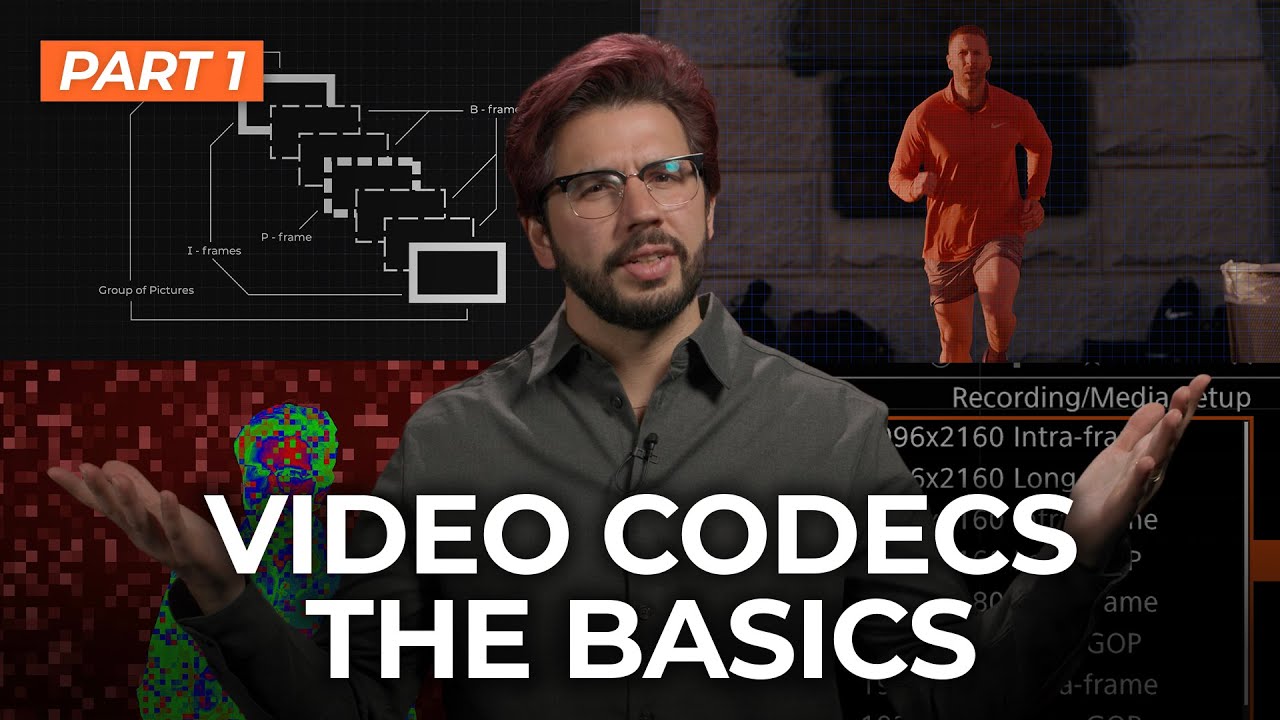
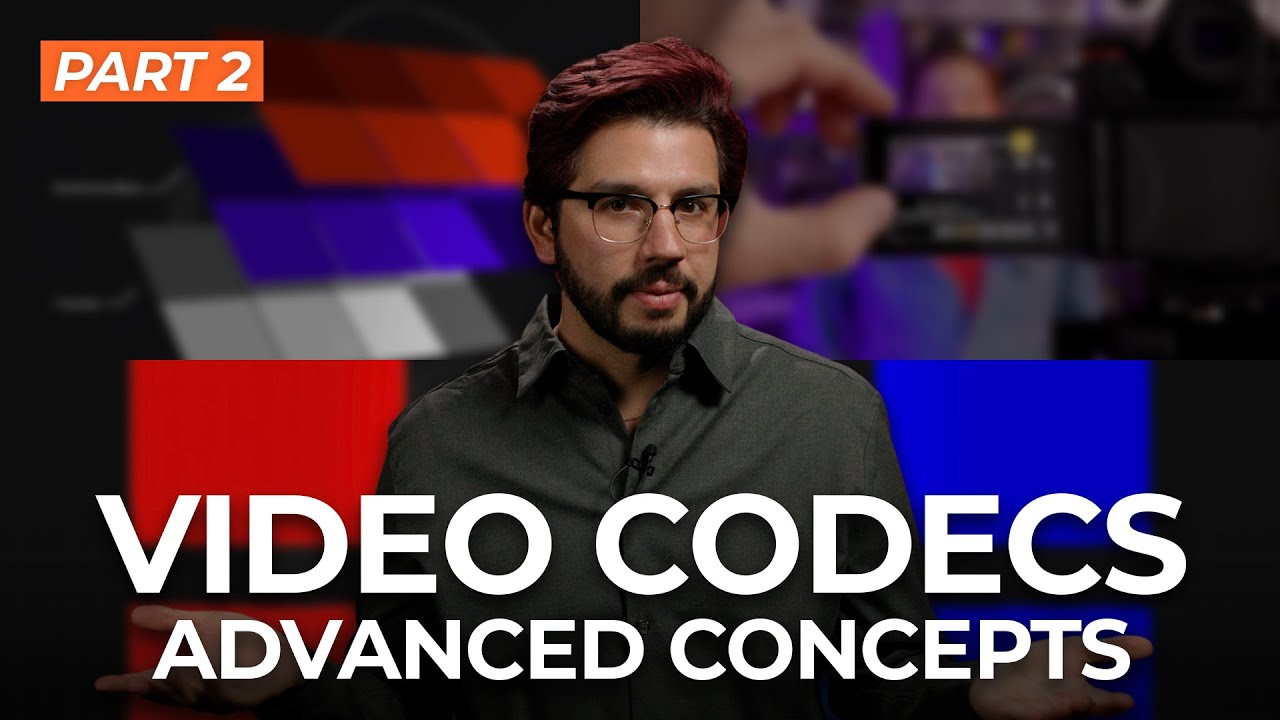
                        Everything You Need to Know About Video Codecs

                        ​Is the topic of the videos below. It is not "everything" but gives a nice overview of video codecs. The target audience is videographers and editors.

                        Everything You Need to Know About Video Codecs: Part 01

                        Chapters:

                        0:00 What You'll Learn 1:04 What is a Codec? 2:25 Why Are Codecs Necessary? 3:27 How to Codecs Work? 6:53 Choosing the Right Codec 14:24 Inter vs. Intraframe 17:32 What's Next?​


                        Everything You Need to Know About Video Codecs: Part 02

                        ​Chapters:

                        1:11 This Video's Objectives 1:12 Hardware Compatibility 4:49 Chroma Subsampling 8:15 8-bit vs. 10-bit 12:04 How to Choose 14:37 Real-World Example​


                        ​

                        Comment

                        Working...